.png)
First Time Setup on the Mobile App
Introduction
This guide explains how to get started with the PostAutoPilot mobile app for the first time.
Steps
-
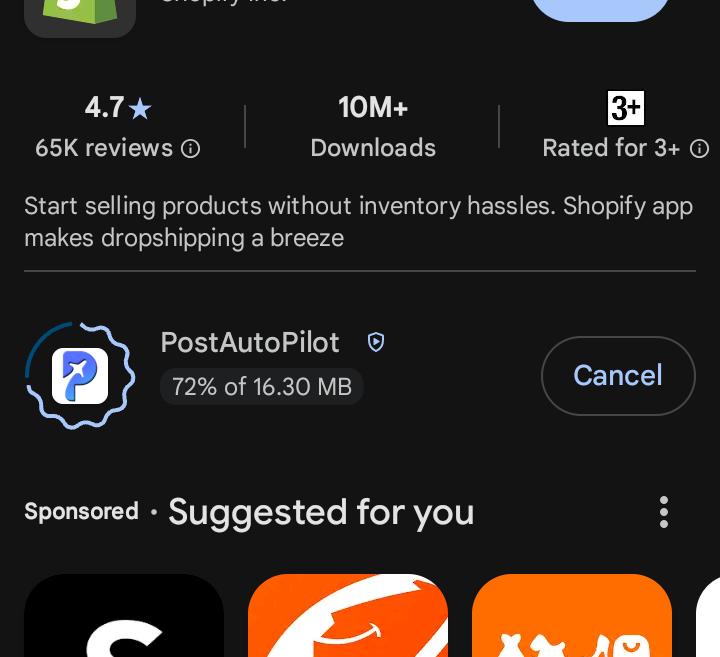
Download and install the PostAutoPilot mobile app
- Open the app on your device
- Log in using your account credentials

- Allow any required permissions (notifications, etc.)


Conclusion
Once logged in, you can begin configuring your account and managing your posts.