.png)
Configuring Your Personal Link & Image
Introduction
This guide explains how to set up your personal link and profile image.
Steps
-
Open the mobile app
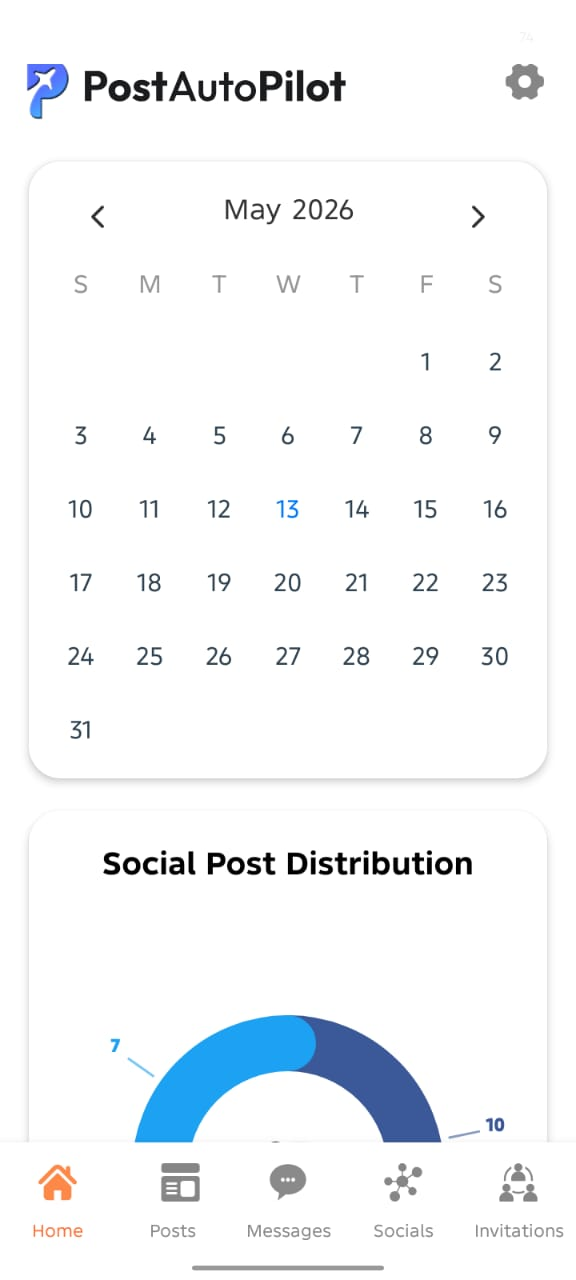
- Navigate to your profile section

- Upload or update your profile image
- Set your personal link or username
- Save your changes if required
Conclusion
Keeping your profile updated helps maintain a professional presence.